Kathmandu
Friday, July 24, 2026





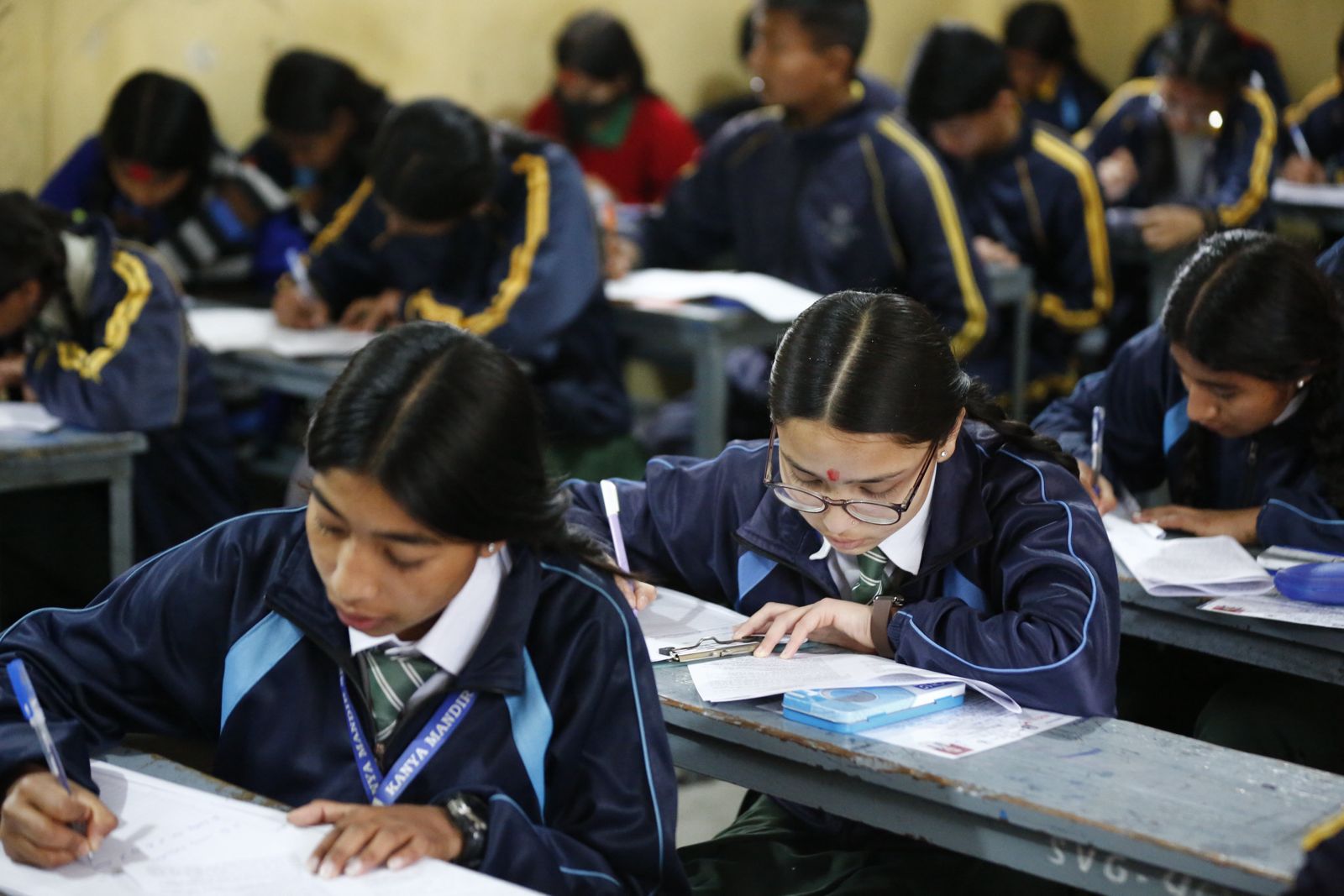
KATHMANDU: The results of Nepal’s Secondary Education Examination (SEE) have been published.
The National Examination Board released the results on Monday evening.
The examinations were conducted from April 2 to 12.
How to check SEE results
Via SMS and IVR
-Nepal Telecom: 1600 (SMS/USSD and IVR service)
-Janaki Technology: 35001 (SMS service only)
-Ambition Guru: 31061 (SMS service only)
Via websites
– Official government websites:
(http://www.see.gov.np) and (http://www.neb.gov.np)
– Nepal Telecom:
(http://www.see.ntc.net.np)
-Kantipur Publications:
(http://www.ekantipur.com)
– Edusanjal:
(http://www.see.edusanjal.com)
– Khalti:
(https://khalti.com/app)